Try the live demo
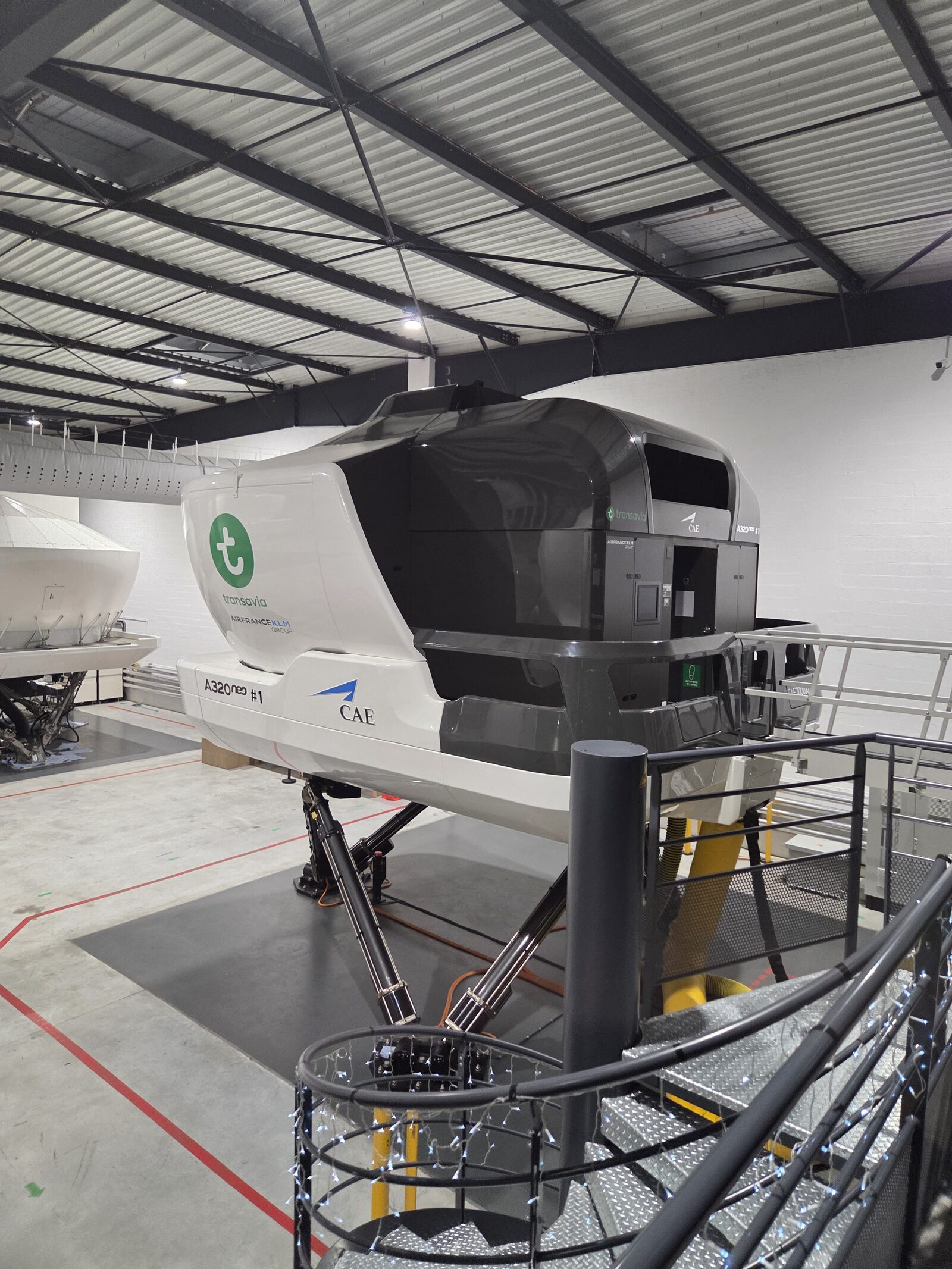
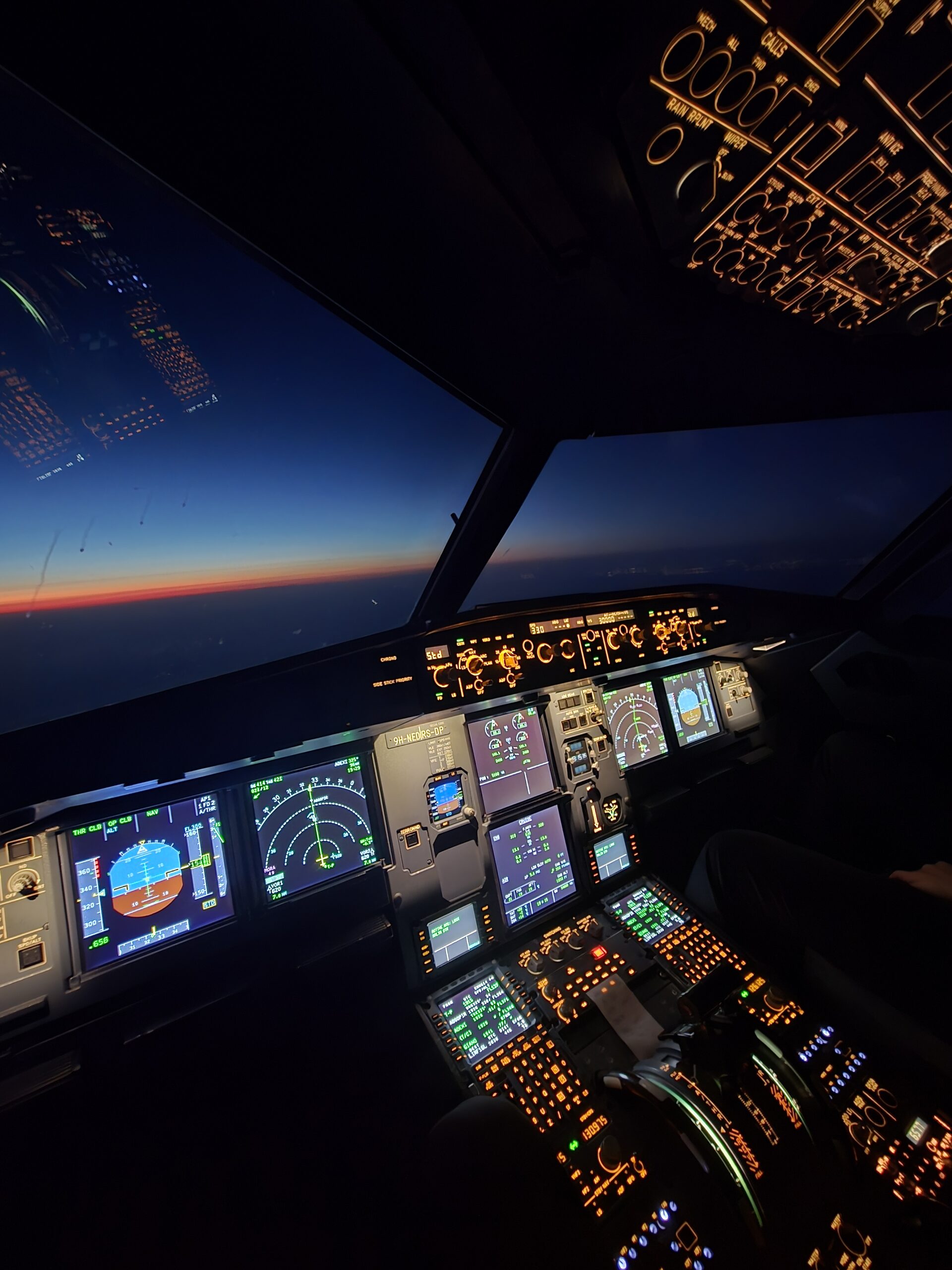
A320 flight deck instrumentation during a simulator session
SimSynch™
A320 · EVIDENCE-BASED TRAINING PLATFORM
Evidence-Based Training · EASA AMC1 ORO.FC.231

Precision grading
for every session
in the sim.

SimSynch™ gives A320 TREs and TRIs a structured, document-backed platform to plan sessions, observe behaviours, grade competencies, calibrate the instructor team, and produce compliant debrief records — end to end, in one tool.

9
EASA core competencies tracked
230
malfunctions in the library
677
MEL items cross-referenced
Real-time
OB grading, auto-saved
70%
of simulator session time spent on administration can be eliminated with structured digital grading
ORCA
method — observe, assess, record, correlate — built into every session from the first scenario to the debrief
One
platform from programme upload through grading, calibration, analytics, and sign-off
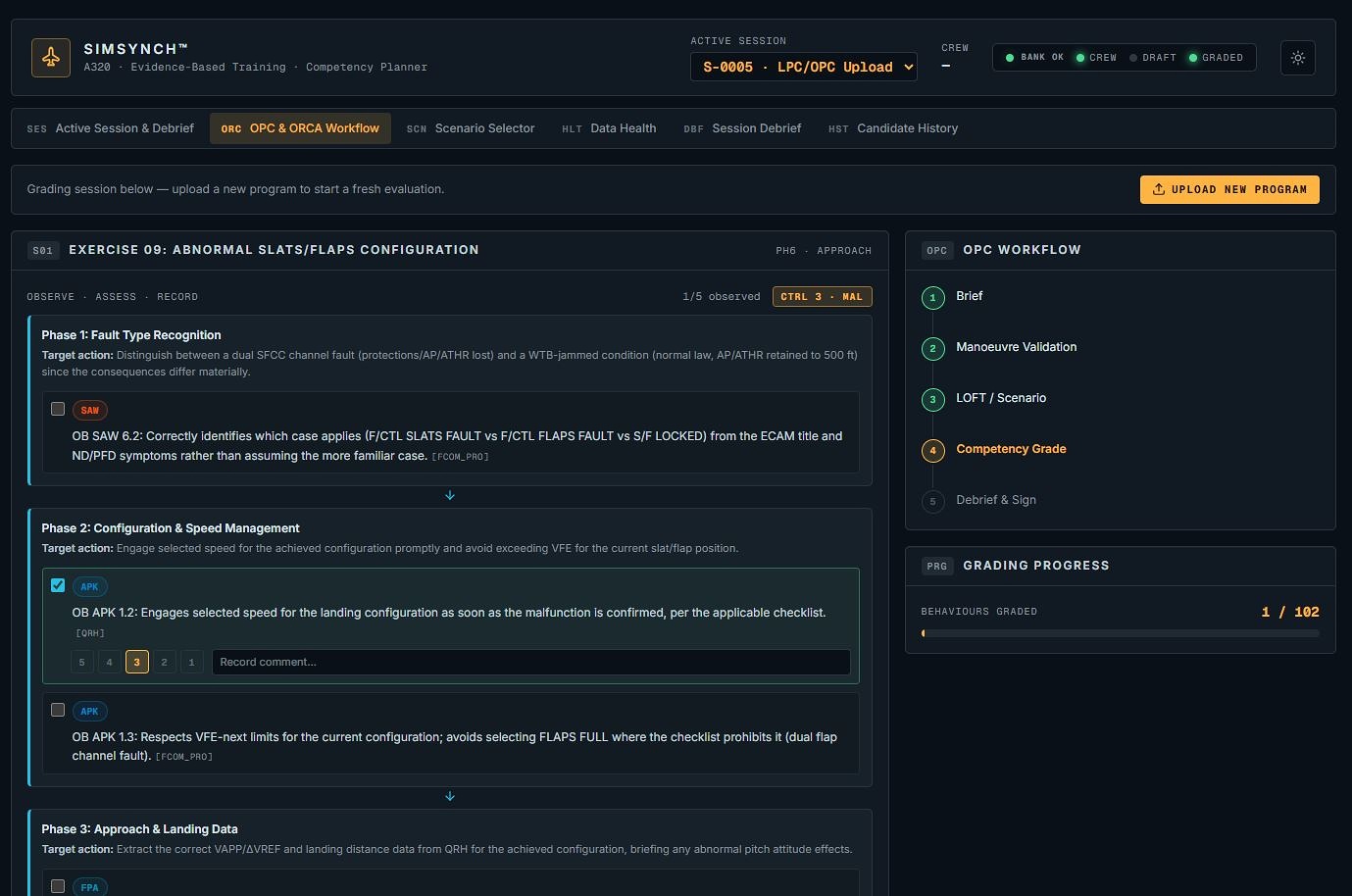
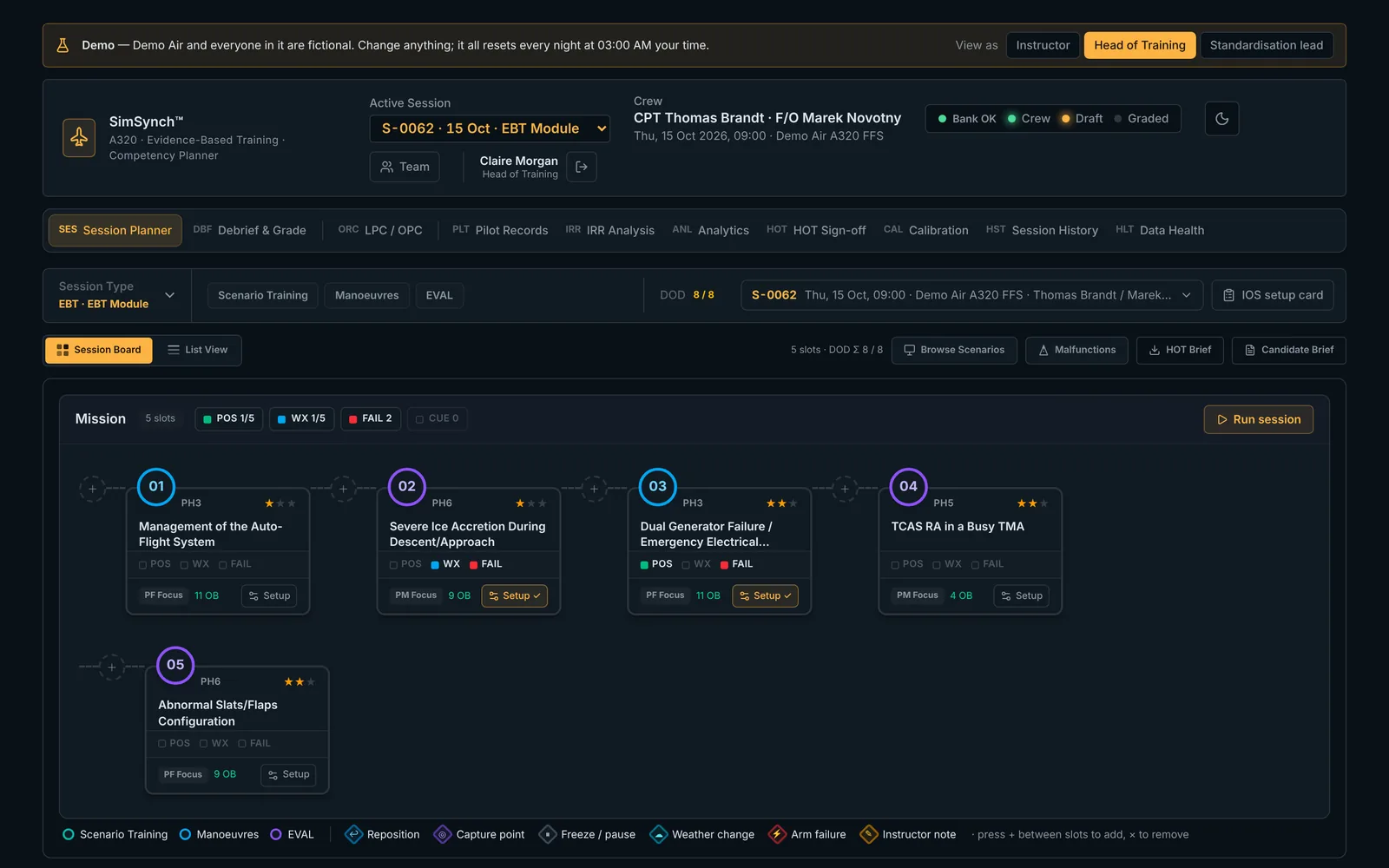
The programme board — every exercise, matched and sequenced, before the session starts

Your entire programme, visible before you fly it.

SimSynch loads the full A320 EBT/CBTA exercise library the moment you open it — every Observable Behaviour sourced from the FCTM, current QRH, Instructor Guide and OM-A/B, with competency coverage visible before you build a single session.

Built around the simulator bay, not a generic LMS.

SimSynch is designed for the instructor station — tablet or IOS-adjacent screen, low light, short windows between exercises. Session planning, grading, and the debrief all happen in the same place the instructor already is.

A320 flight deck above cloud at sunset during a simulator session
A320 full-flight simulator session, dusk approach profile

From programme upload to signed debrief in one platform.

SimSynch follows the actual rhythm of a simulator check — not an abstraction of it. Every step maps directly to what an instructor does in the bay.

A
Inject the programme PDF
Upload any simulator programme document — FCOM abnormal procedures, EBT lesson plan, or Instructor Guide / LPC-OPC. SimSynch parses it, extracts training event titles, and matches them against the exercise library automatically.
FCOM · Lesson Plan · Instructor Guide
B
Select exercises, arrange the days
Matched exercises land on a visual two-day board, pre-sorted into the correct phase lane. Drag any exercise between days, set sequence within a lane, and assign crew role — CM1, CM2, Both, or Eval — per exercise.
Day 1 / Day 2 board · CM1 / CM2 roles
C
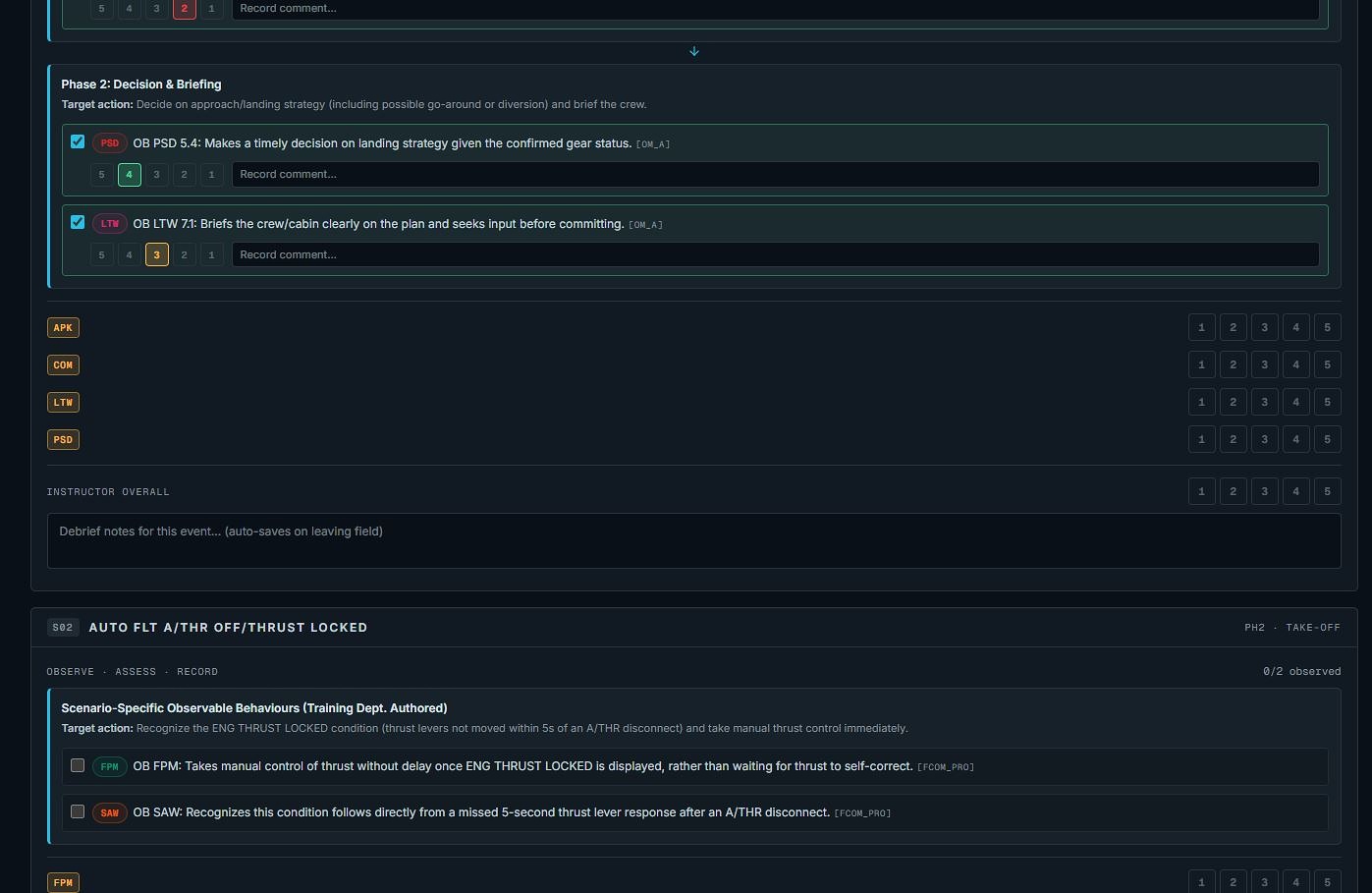
Grade in real time, per pilot
The ORCA grading view shows one Observable Behaviour per row, graded separately for CM1 and CM2 on the OM-D scale. Mark it observed, grade it, add a note. Every entry saves immediately — no batch submit, no lost data if the session runs long.
Auto-save · Per-pilot grading · MAL tracking
D
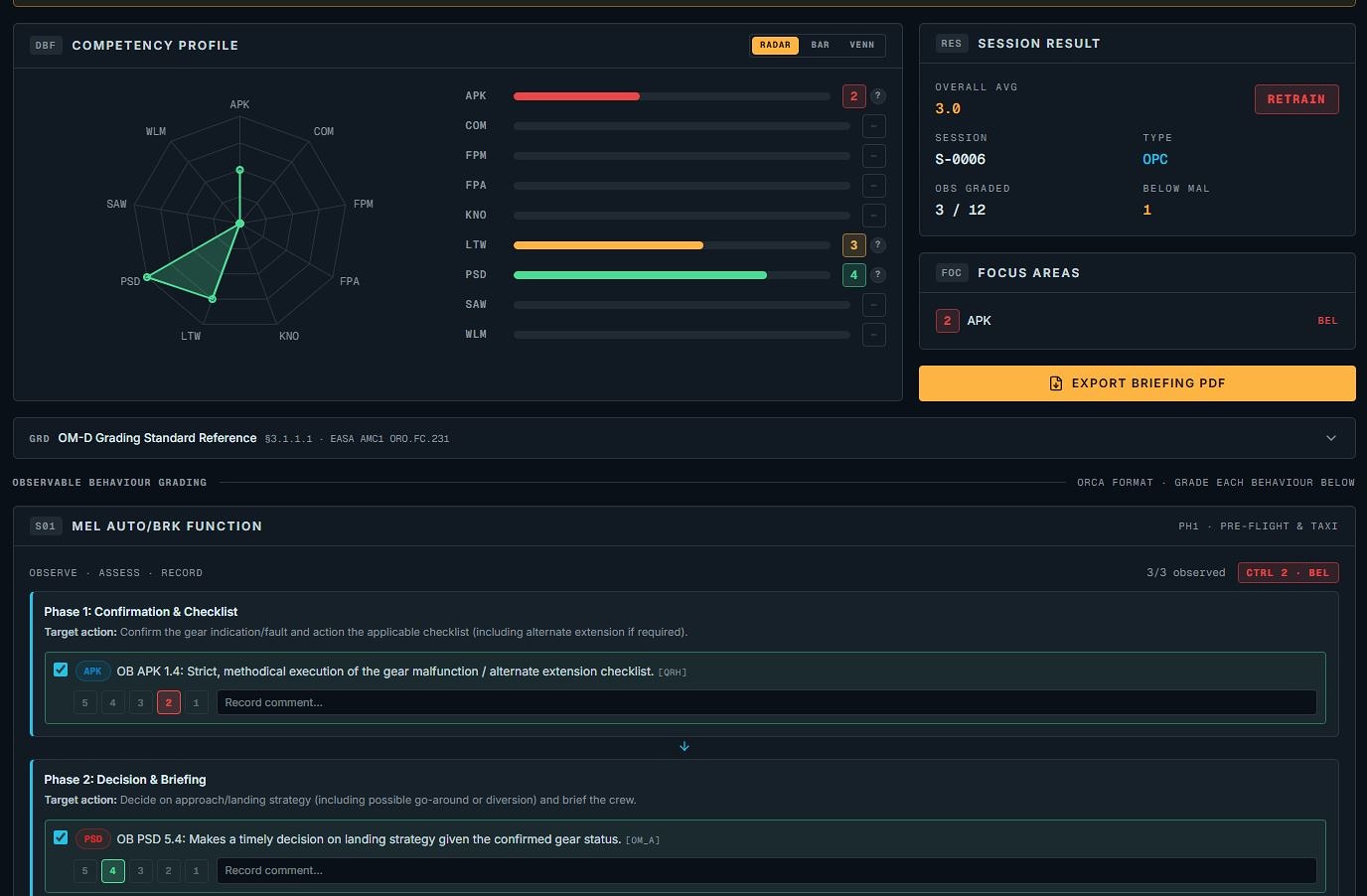
Debrief, sign off, export
The Session Debrief shows a live competency radar built from the graded OBs. Focus areas (below-MAL competencies) are flagged automatically. The Head of Training approves or returns the session; approved records lock.
Competency radar · HoT sign-off
DBF
SES
ORC
SESSION DEBRIEF · S-0012 · OPC · COMPLETE
APK
4
COM
3
FPM
4
PSD
2
RESULT
3.7
RETRAIN · PSD
PSD graded 2 — below MAL. OM-D §3.1.1.1
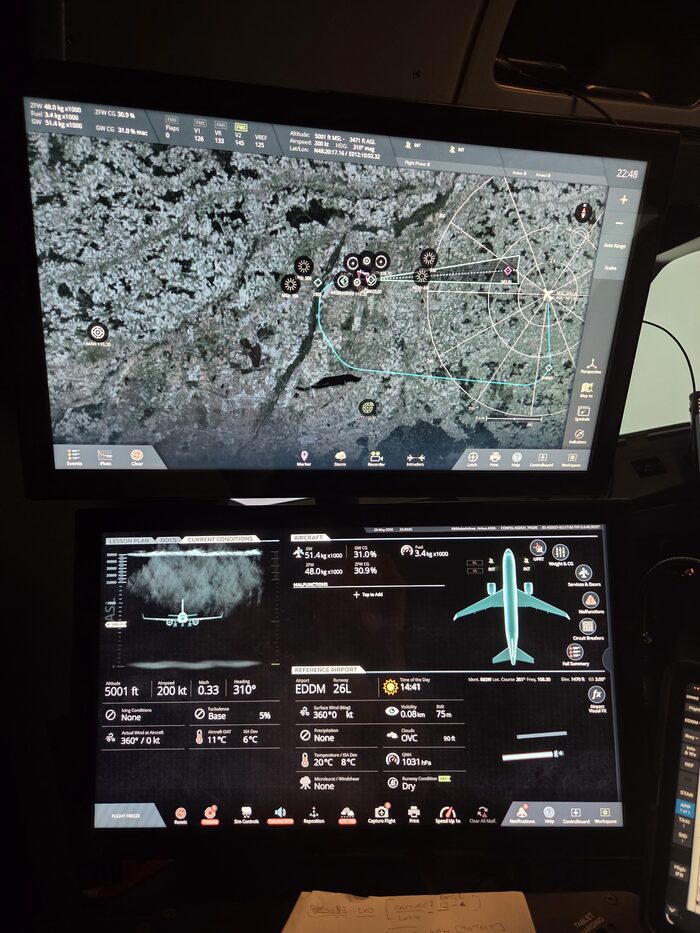
Night cockpit session, dual display approach profile
Night session — descent and approach profile on the ND

What changes when you use SimSynch™.

Concrete improvements in how simulator instruction is planned, delivered, graded, and standardised.

🗂
No more blank paper forms
Observable Behaviour checklists generate automatically from the selected exercises. The right OBs are attached before the session starts.
Sourced from FCTM, QRH, Instructor Guide, OM-A/B
⚡
Grade during the session, not after
Every grade saves the instant you click. When the session ends, the debrief record is already complete.
Real-time persistence · ORCA controlling-grade rule applied live
New 🎯
Instructor calibration
Blind grading across instructors, an OB-by-OB workshop view, and a Krippendorff's alpha agreement score.
Fleet-standard grades saved and shown per OB
New 📈
Training analytics
First-attempt pass rate, competency trend, and EASA training-need pattern flags — exportable to CSV.
Per AMC1 ORO.FC.231(d)(1)(b)(3)
New 👤
Per-pilot grading, CM1/CM2
Captain and First Officer graded separately on the OM-D scale, with a full audit trail.
Grade history logged — who, when, old and new value
🏛
EASA structure, not an afterthought
MAL threshold = 3 throughout. Any competency below 3 triggers RETRAIN — structurally enforced, not a setting.
OM-D §3.1.1.1 · AMC1 ORO.FC.231 · CBTA framework
See all features, screenshots & compliance
A320 cockpit at sunset over the coast during a training flight
Built for the instructor's seat. Every screen in SimSynch is designed around short windows between exercises — not a desk-bound admin tool bolted on afterward.
"The simulator bay is already a high-pressure environment. The documentation shouldn't add to it. SimSynch™ gives instructors back their attention — for the crew in front of them, not the clipboard in their hand."
SimSynch™ — A320 EBT/CBTA Instructor Platform
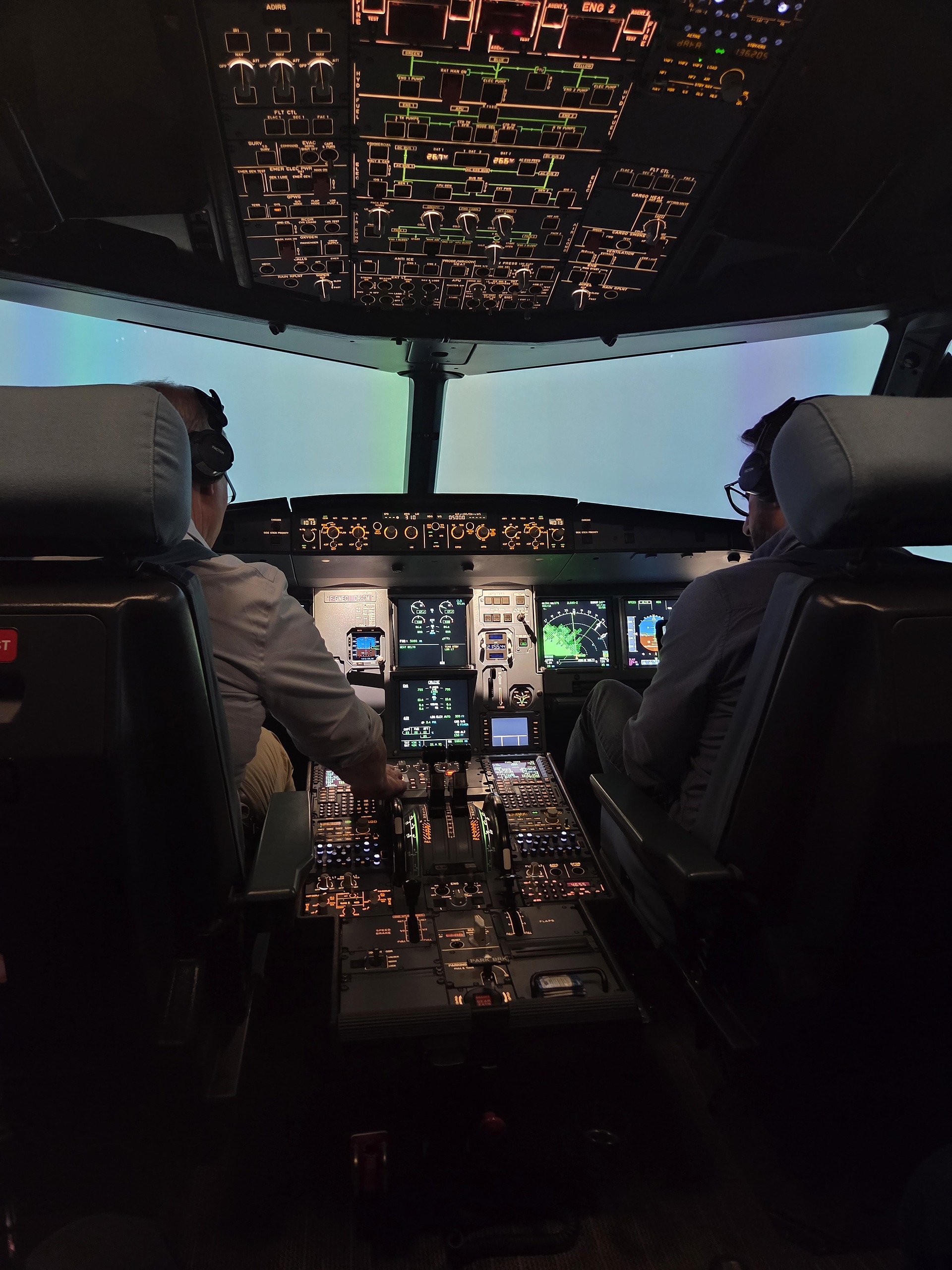
Flight crew in the A320 flight deck during a simulator session
Crew at the controls — the session SimSynch is built to document

Try it yourself — no setup, no sign-up.

A public demo at demo.simsynch.com runs on a fictional airline with a full year of sample training data. Enter as Instructor, Head of Training, or Standardisation Lead and switch role at any time.

✓ 24 pilots, 60+ sessions, full analytics and sign-off history
✓ A live calibration workshop to explore
✓ Resets nightly — nothing to clean up
Open demo.simsynch.com

Ready to run your
first structured session?

SimSynch™ is an operational A320 EBT/CBTA platform.
Interested in deploying it for your training programme?

Contact the team See the full feature list

SimSynch™ is a trademark of its developer. Built on Supabase + Next.js.